
VibePaper Guide
Build a consistent visual language with style templates
Learn how to apply reusable image styles on the VibePaper canvas without repeatedly tuning long prompts.
A style template packages the visual decisions you want to preserve—color, material, lighting, lens language, and composition—so every new image begins from the same creative direction.

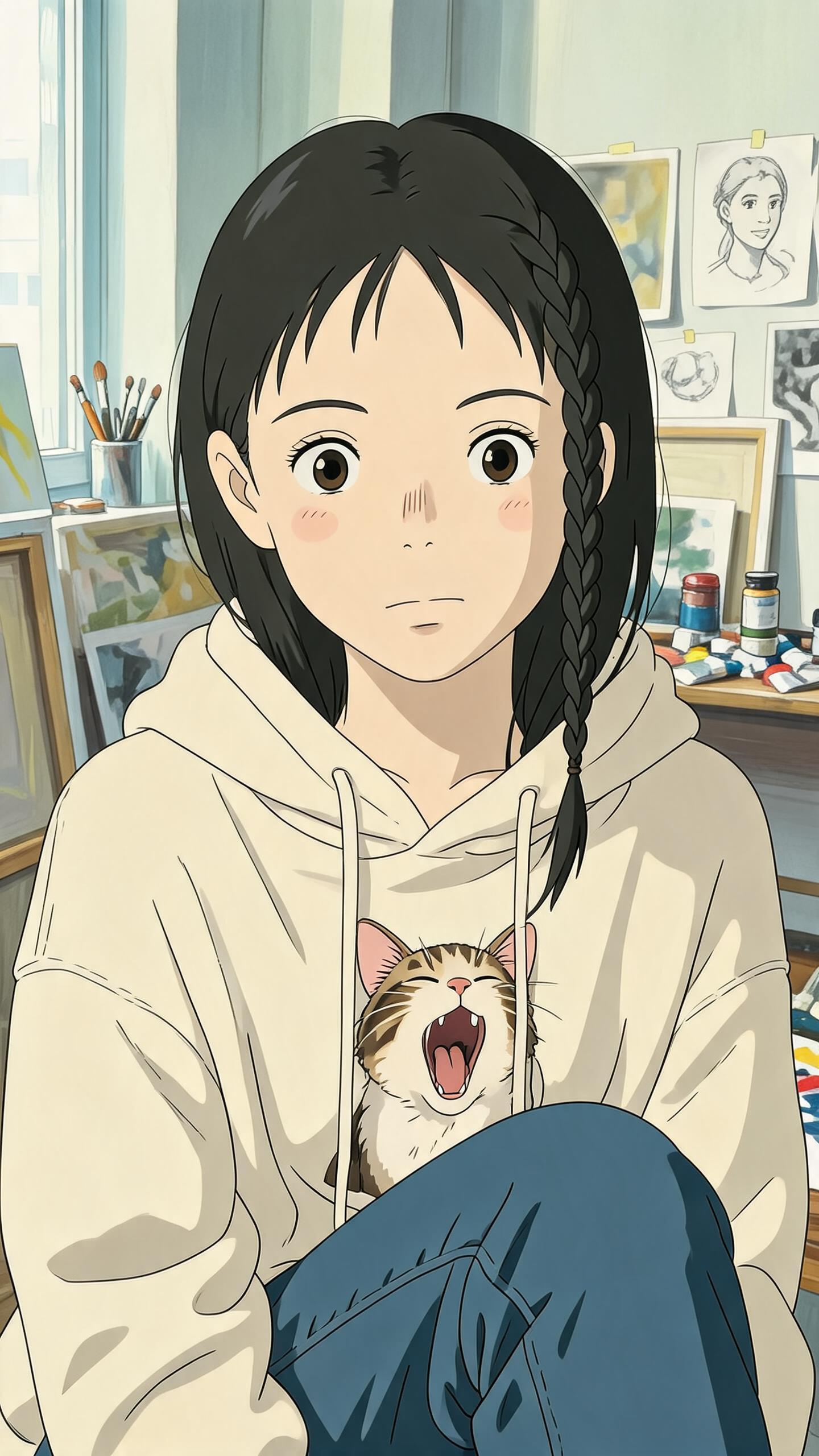
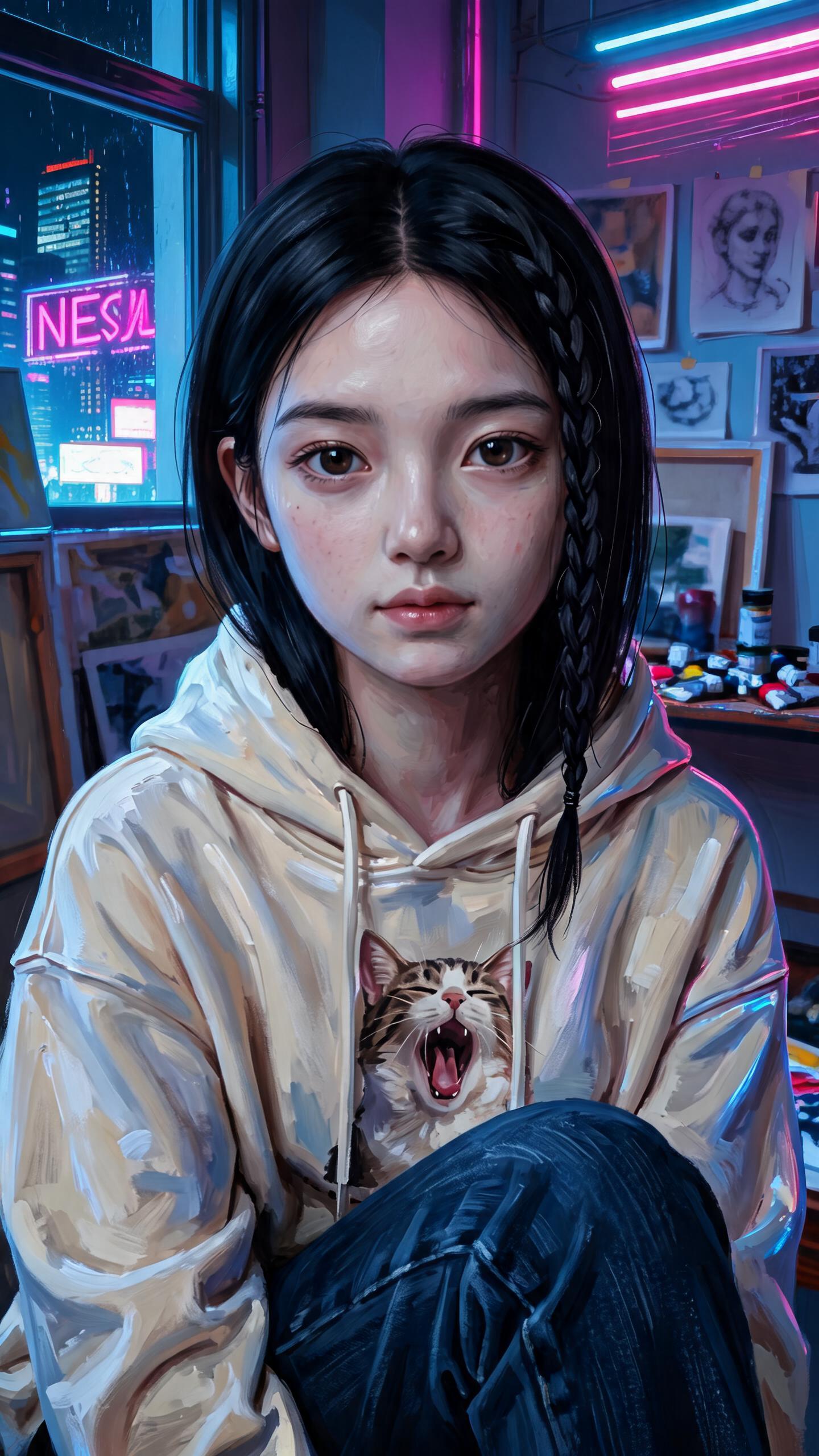
From idea to a reusable style
01
Create or select an image card
Start with an image generation card and describe the subject you want to create. Keep the subject separate from the look so the style can be reused.
02
Choose a style template
Open the style control below the prompt and select the visual language that fits the project. The template is applied without replacing your subject.
03
Generate, compare, and continue
Generate variations side by side. Reuse the same template on later cards to keep a campaign, storyboard, or asset set visually coherent.
A better result starts here
- Write the subject, action, and framing in the prompt; let the template carry the look.
- Use the same template across connected cards before changing individual details.
- Branch from a strong result instead of rewriting the full prompt.